

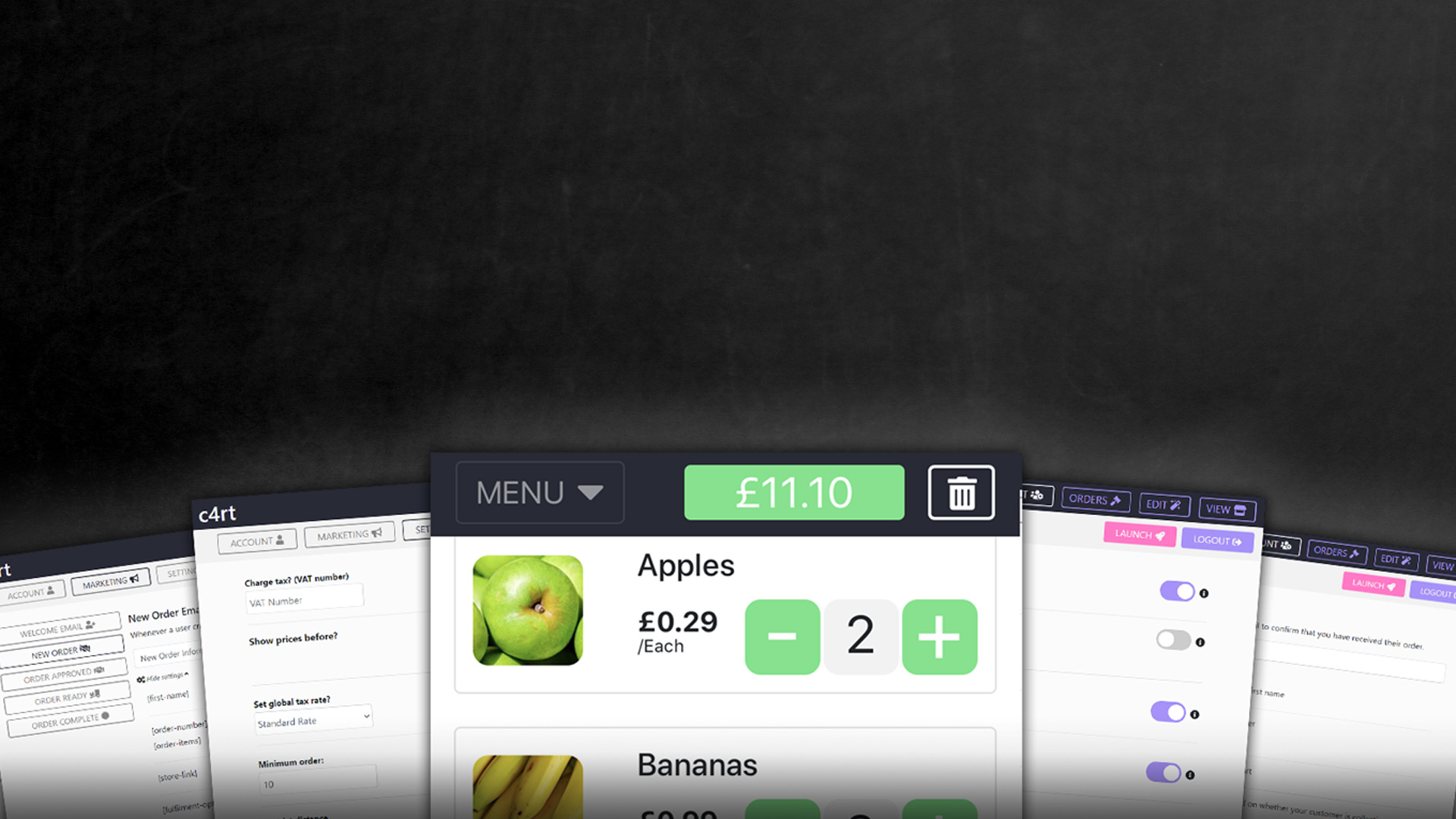

We thought we could tell you how click & collect works by sharing with you our process (what happens in that background or “under the hood”) so you can get an idea of how (we think) a good click & collect system should work.
Building the store
As a shop owner the first step to making a sale would be to offer something to your visitors (products or services). To do that you’ll need to (once you’ve created your account)
- configure your store/business information (and payment keys)
- Add your products/services to the app.
What is the process?
A visitor would come from a link in your bio in Instagram or from something you posted to social media (as an example). They could see all your products or menu items and be able to create an itemised order on their phone. On completion of payment they would be sent an email confirming their order and another approving their order (orders are automatically approved upon payment in our system).
The visitor would then be redirected to their “customer” area where they will see an invoice for their order and a button which allows them to reorder the exact same order. This button repopulates your store front with their previous order so they can make changes to it before making payment and is also very useful for customers who couldn’t complete payment (orders that aren’t approved in your order manager i.e. “new orders”) for whatever reason; just get them to log in again and they will see the button in their orders area.
Once the order has been placed and you have seen the order, the order is then prepared and once ready for dispatch (either delivery or collection) the order is “fulfilled” (moved along in the fulfilment process). At this point the customer is sent an email to notify them that their order is ready to be collected or that it is on its way with the delivery driver.
Once the order has been collected or successfully delivered the order is then “completed” moving it to the last stage of the fulfilment process; again triggering one last email to go out to the customer to thank them for their order (and let them know that they can easily re-order in a few clicks just by logging into their accounts and clicking on their invoice).
Every email that goes out (new order, order approved, order in fulfilment and order completed) is 100% customisable and we offer text placeholders (i.e. “Hi [firstname],” would become “Hi John,” or whatever the customer’s name is) that you can use in each of the emails. More information on that is available in the marketing settings area of your account.
How do payments work?
Payments are collected through payment processors (Examples: PayPal, Stripe, Skrill, WorldPay etc) as they are the most widely known and trusted by most users; we use Stripe payments in all of our transactions so you would need a Stripe payments account to use our service.
Usually a business who has a website (WordPress for example) would use some sort of “plugin” to handle payments for them; our system works in the exact same way. All you need to do is configure two “payment keys” (two short snippets of text which you retrieve from your Stripe payments account) and those in turn connect your store front (the part that collects the card data from your visitor) to your Stripe account; allowing you to take card payments directly from your store.
Once your store is live (you’ve upgraded your free account to a paid account) and you’ve added all of your products or services to your store and configured all your admin options and settings then you’ll be able to share your store link (which will change depending on your username i.e. c4rt.uk/YourUsername) with your customers and collect new orders and payments from them.
In summary, to answer the question of “how does click & collect work?”, we think the answer should be “it should work for you”. There’s a reason we didn’t just arrange together loads of WordPress plugins together to create a similar effect and why we had to write this from the ground up and that is because this was the only way we could implement our vision the way we saw it; making what we do truly unique.
If you’d like to create your own store front you can easily do so by visiting C4RT LTD and registering your business there. It is free to create an account and you only upgrade your license once you’ve tested your store and want to take live orders. We don’t have any contracts so you’re free to use this if you’re only a seasonal user as well that’s not a problem. We hope you found this article useful.